Assign PTWs to the right approvers and capture signatures
Authorize work by linking permits to worker identity wallets
Verified site presence and audit logs for compliance
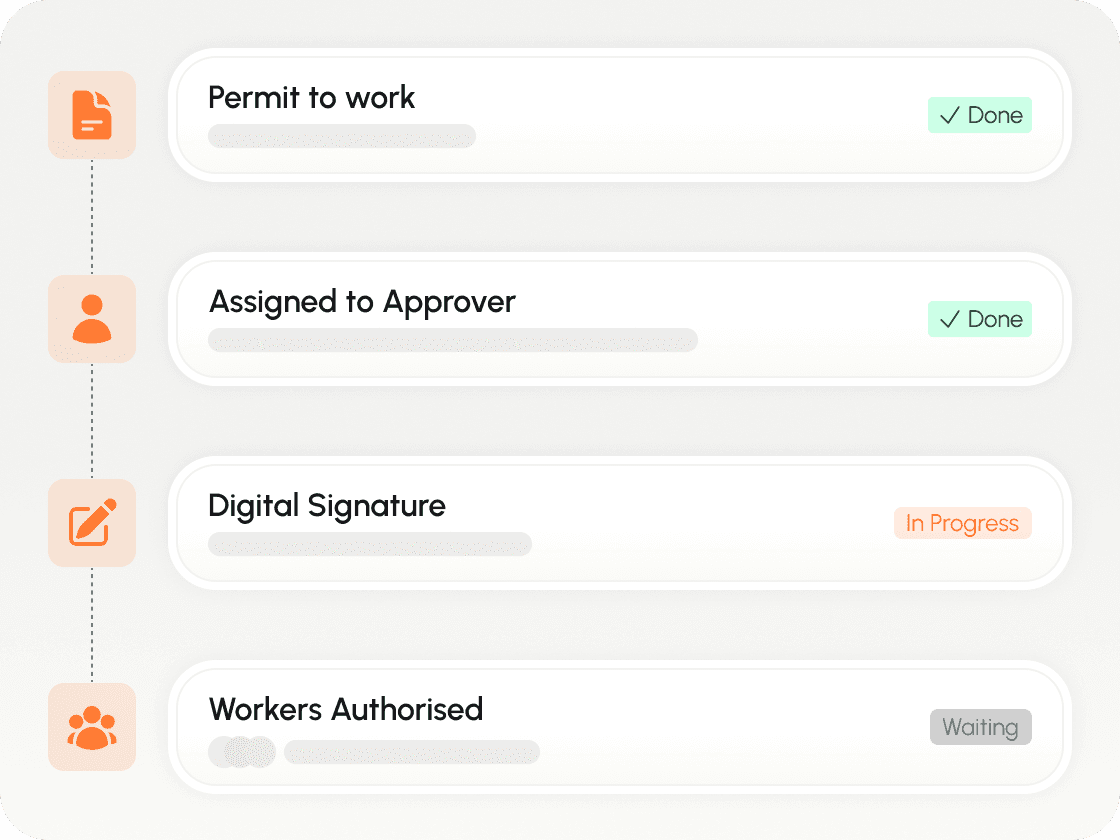





Prevent delays caused by manual PTW workflows
Route permits to the right approvers, capture signatures faster, and authorize work without manual chasing.
PTWs stuck waiting
Work stops because the paper permit is sitting on a desk waiting for the right signature.
Wrong crew assignment
Work gets assigned to the wrong or unready workers because approvals and authorizations aren’t clearly linked.
Poor traceability
When incidents or audits happen, it’s hard to see who approved what and when.
How PTW automation works in Nashid
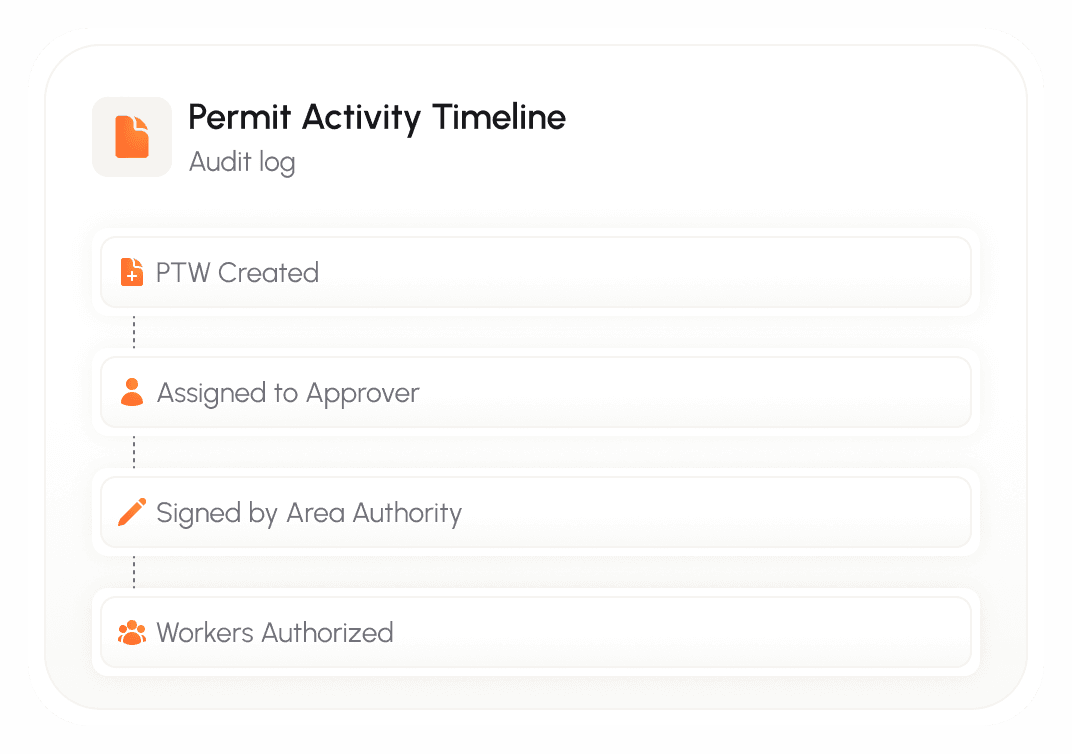
Nashid digitizes the full PTW flow — routing permits to the correct authority for review and signature, then assigning work to the approved workers — all tied to identity wallets.
Step 1
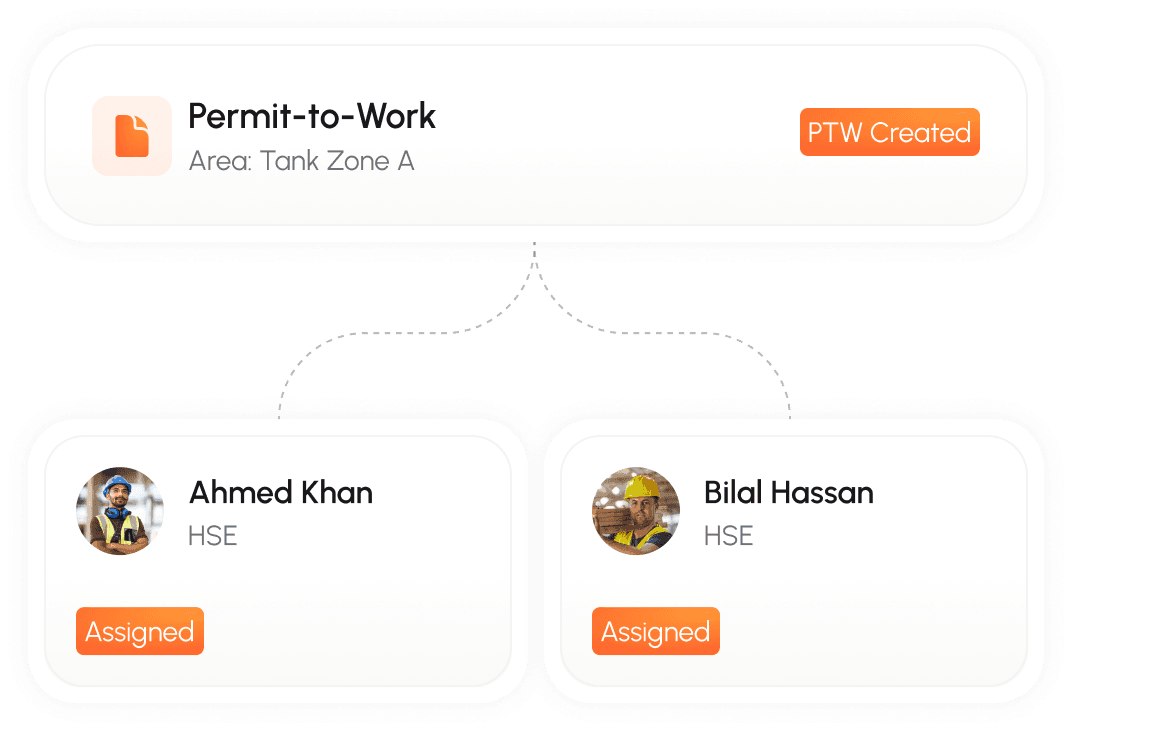
Create & route the PTW
Assign the PTW to the right authority based on area, role, and scope.
Step 2
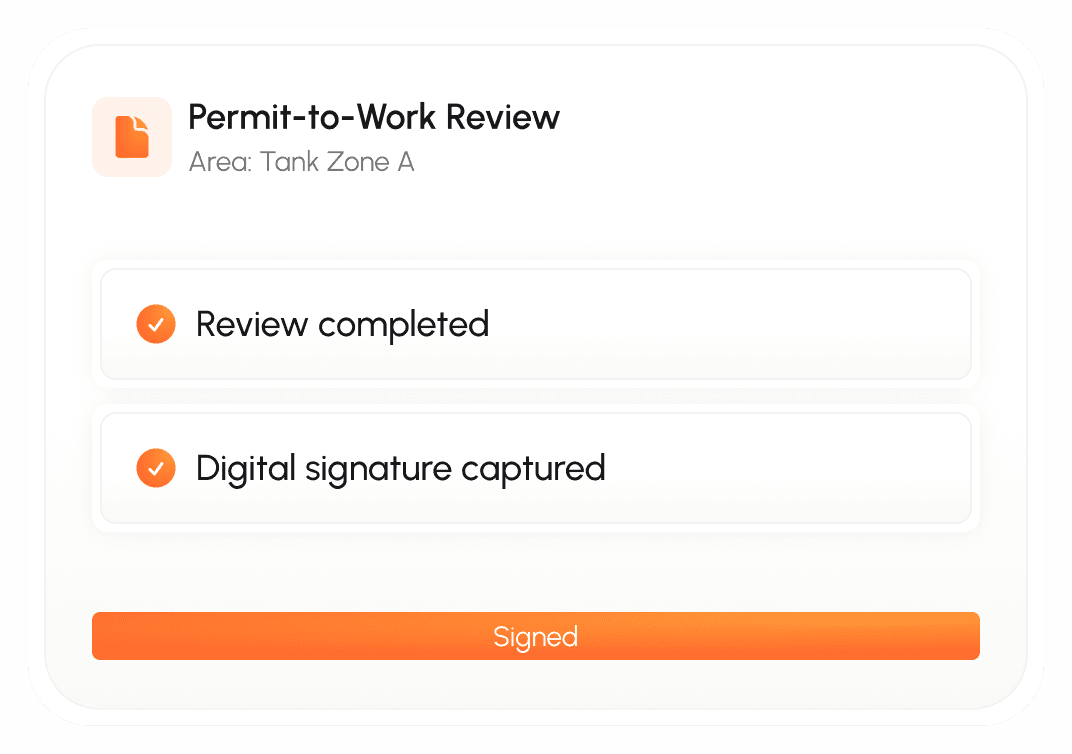
Review & sign digitally
The approver reviews and signs the PTW with full traceability.
Step 3
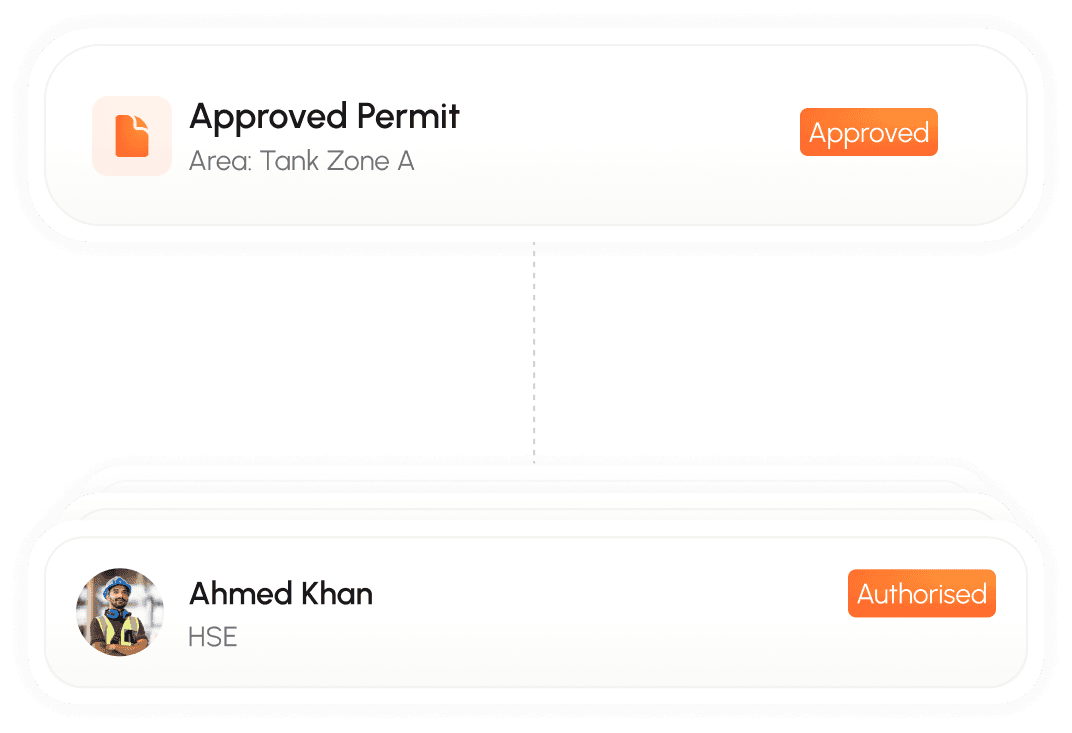
Assign the work to approved workers
Link the PTW to the right worker wallets ensuring only the approved workers are authorized.
Step 4
Audit trail by default
Every assignment, signature, and worker authorization is logged.
Verified time records tied to worker identity
Record entry and exit through identity checks so timesheets are verifiable and audit-ready.
Start with one workflow. Expand when proven.
Record entry and exit through identity checks so timesheets are verifiable and audit-ready.
1
Configure roles and PTW approval paths
2
Pilot PTW signing + worker authorization with one contractor group
3
Expand across areas, permit types, and additional workflows
Frequently Asked Questions
I'm a site operator but don't manage my own workers. Can I still use Nashid?
Yes! You can subscribe to just the Site Operator Module. Contractors working on your sites will share their workers' credentials with you through the platform. You'll be able to enforce requirements, verify credentials, and manage site access.
What's included in the Site Operator Module?
How is the Site Operator Module priced?
Do I need special hardware for the Site Operator Module?
Can I try the Site Operator Module before committing?
See PTW automation in under 3 minutes.
Walk through how permits are routed, signed digitally, assigned to the right workers, and tracked with a full audit trail.
See your PTW flow digitized in 20 minutes
We’ll map your PTW approval chain, signature steps, and worker authorization — then show how it runs in Nashid.